Mechs vs Kaijus Ragdoll How to Redeem Codes
Robux Shop path, group requirements, and fixes when a code fails.
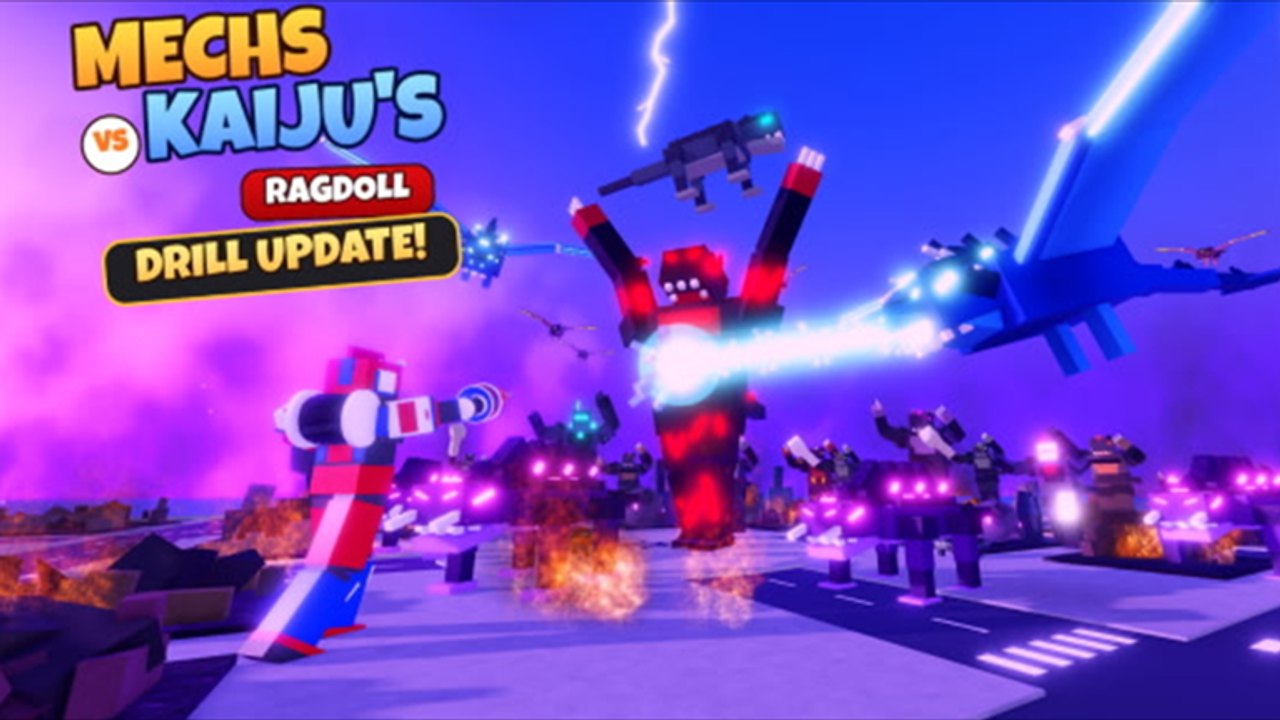
Redeeming codes in Mechs vs Kaijus Ragdoll is simple once you know the shop hides the input at the bottom of the Robux list. This guide walks through every prerequisite, the exact in-game path on PC and mobile, what each reward type looks like after a successful claim, and a troubleshooting checklist for the errors Early Release players hit most often. Keep the active list on the Codes Hub open in another tab so you can paste strings without typos.
Before you open the shop
Codes are gated behind light social proof so the studio can filter drive-by bots. Complete these steps on the same Roblox account you will play on:
- Open the official experience: Mechs vs Kaijus Ragdoll on Roblox.
- Click Like on the experience page (or the in-experience like control if prompted).
- Click Favorite so the game stays on your quick list and satisfies the favorite check.
- Join the creator community: Mechs vs Kaiju Studios.
- Wait a few seconds for Roblox to sync membership, then join or rejoin a server.
If you skip like, favorite, or group join, the UI may still accept the string and then refuse the gift, or show a generic failure. Fix the three checks first whenever a “working” code from the hub fails on your account.
Step-by-step: redeem on PC
- Launch the experience and wait until you are in the lobby or hangar UI (you do not need to be mid-wave).
- Open the Robux Shop from the on-screen shop or store button — the same panel used for paid packs.
- Scroll all the way down past featured Robux offers, gamepasses, and pack rows. The code field sits at the bottom of that scrollable list, which is easy to miss on short monitors.
- Click the text box, paste a code exactly as listed on the Codes Hub (for example
DRILLorSORRYFORBUGS). - Confirm or press the redeem button. Watch for a success toast and an inventory or currency bump.
- Clear the field and redeem the next code. Repeat until the November 2026 table is empty for your account.
Do not insert spaces before or after the string. Codes are short alphanumeric tokens; if autocorrect changes 1KACTIVE or 500KVISITS, undo and paste again from the hub.
Step-by-step: phone and console
Touch and gamepad layouts use the same Robux Shop data, but scrolling is fussier:
- On phone, open the shop, then drag slowly through the entire offer list. Stop only when you see a dedicated code input under the last purchasable row.
- On console, use the stick or D-pad to move the highlight past every Robux product until focus lands on the redeem field, then use the on-screen keyboard carefully — avoid adding trailing spaces.
- If the shop feels stuck, close it, rejoin the server, and reopen after confirming you are still in the Mechs vs Kaiju Studios group.
Friends can share a private server so everyone redeems calmly without kaiju waves interrupting the menu. Private lobbies are also ideal right before you fire the UPDATE 2x scrap timer.
What success looks like
After a valid redeem:
- Pack / Lucky Pack codes (
DRILL,NEXT,500KVISITS,SORRYFORBUGS,BUGFIX,BUGS) add pack inventory you can open for mech frames and related drops. Open them when you are ready to evaluate a new pilot kit — Cipsy Dagger’s chain sword and plasma tools, Coyote Tangle’s twin cannons, Black Alpha’s hydraulic fists, Red Tsunami’s saw kit, Bravo Guardian’s whip snare, or later frames like Titan, Scorpion, Agility, Ripper, Mace, and Striker. - Scrap codes (
1KACTIVE,LUCKYPACKS,RELEASE) raise your scrap balance for repairs and progression spends. Pit crew repairs after a rough city fight are the most common sink, so bank scrap before a long wave push. - UPDATE grants a 2x scrap buff for ten minutes. Start it only when your squad is about to clear multiple waves; dying in the first minute wastes half the window.
If the toast succeeds but you do not see packs, reopen inventory, check currency widgets, or rejoin once — Early Release UIs occasionally refresh on server hop.
Troubleshooting checklist
Work down this list in order:
- Already redeemed — Each code is one claim per account. A second attempt fails even if the code is still globally active.
- Typo or case — Match the hub spelling exactly.
LUCKYPACKSis notLuckyPackswith spaces. - Missing like / favorite / group — Complete all three, leave the experience, rejoin, then try again.
- Wrong place — Codes are not redeemed on the Roblox website browser box for this title; use the in-experience Robux Shop bottom field.
- Expired after a patch — Early Release moves fast. Compare against the live table on Codes and read Early Release notes if a milestone code vanished overnight.
- Shop did not load — Soft network blips hide the footer input. Reopen the shop or switch servers.
- Account age or platform limits — Rare Roblox restrictions can block shop actions; try another device on the same account after verifying group membership on the website.
Still stuck? Avoid random Discord “redeem bots.” They ask for cookies or passwords and are unrelated to official gifts. Use this wiki’s Codes Hub, Updates, and Getting Started instead.
Smart redeem order for new pilots
Brand-new accounts should:
- Finish like, favorite, and group join.
- Redeem every pack code to seed the hangar.
- Redeem scrap codes so pit crew can fix practice damage.
- Play a short tutorial-style fight to learn punch, grab, throw, and smash on destructible buildings.
- Only then activate
UPDATEand push toward wave checkpoints (wave 10 unlocks starting at wave 5 later).
That order turns apology and milestone codes into permanent collection progress instead of a scrap spike you might waste on early deaths. When Drill-themed events or bugfix patches land, return here, recheck prerequisites, and clear the updated list on Codes before the next kaiju wave leaves the sea.
Safety reminders
Official codes never ask you to disable account security, install a desktop “redeemer,” or trade limiteds for a pack. Mechs vs Kaiju Studios distributes strings through normal promo channels; this wiki only documents what players can enter inside the live experience. If a stranger DMs a loadstring or file and calls it a “code,” that is not a promo code — close the chat and stick to the Robux Shop field.
Once your rewards are claimed, jump back into the ragdoll fight, experiment with newly opened mechs, and track patch cadence on the Updates Hub. Codes are a head start, not a substitute for learning how to keep a mech upright while the city collapses around you.
Frequently Asked Questions
Quick answers for Mechs vs Kaiju's Ragdoll pilots.
Do I need to join the Mechs vs Kaiju Studios group?
Yes. Like the experience, favorite it, and join the group before redeeming. Many codes fail until all three checks sync on your account.
Where is the code box in the Robux Shop?
At the very bottom of the shop scroll list, under the paid offers. If you only see Robux products, keep scrolling.
Can I redeem the same code twice?
No. Each promo code is limited to one successful claim per Roblox account.
Does UPDATE stack with other scrap codes?
Scrap from other codes is added to your balance immediately. UPDATE then doubles scrap earnings for ten minutes of play — start it when you are ready to farm waves.
What if the shop has no code field?
Rejoin the server, confirm group membership on the Roblox website, and reopen the Robux Shop. The field only appears after the full shop list loads.