Mechs vs Kaijus Ragdoll Controls for Every Platform
Grab, throw, abilities, and stamina habits that work on PC, phone, and console.
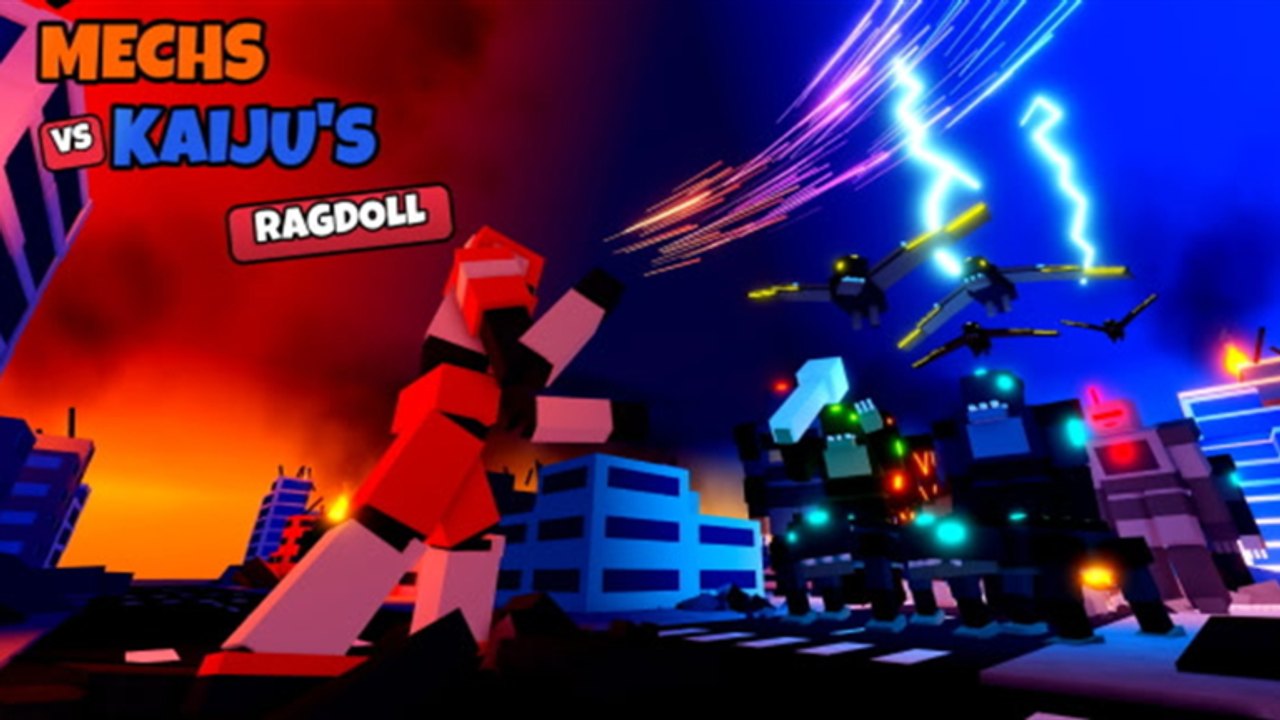
Mechs vs Kaijus Ragdoll plays differently from most Roblox fighters because ragdoll physics sit under every punch, grab, and fall. The same intent — close in, secure a hold, throw a kaiju through a building — must work on PC, phone, and console, but the feel of aiming a grab or releasing a throw changes with input method. This guide sets expectations for locomotion, grab/throw, abilities, and stamina so you stop blaming “broken mechs” when the real issue is empty stamina or a mistimed release.
If you have not finished onboarding yet, skim Getting Started first. When controls feel natural, graduate to Combat Tips and the Mechs Roster for kit-specific buttons of intent (beam, whip, saws, hydraulics).
Shared control goals (all platforms)
Ignore button labels for a moment. Every good pilot is trying to do five things well:
- Move with weight in mind — Mechs are heavy. Direction changes are not instant anime dashes. Plant before big swings.
- Grab on purpose — Grabs are the gateway to throws and many finishers. Spam-grabbing while sprint-exhausted fails more than it lands.
- Throw into geometry — Buildings are damage multipliers and crowd control. Open streets are where you get surrounded.
- Fire abilities on windows — Plasma beams, shoulder cannons, Thundercloud, electric whips, and dropkicks punish committed kaiju, not empty air.
- Guard stamina — Early Release updates explicitly called out more stamina and faster respawns, which means the studio knows empty bars were ending fights early. Treat stamina like a second health bar.
Master those five and any platform’s binding layout becomes secondary.
PC expectations
On PC you usually have the cleanest camera and the easiest precision throws.
- Use keyboard movement to strafe around a kaiju instead of running straight into teeth.
- Bind or learn the grab input until it is muscle memory; most highlight plays start there.
- After a successful grab, re-orient the camera toward a facade before release. Throwing “wherever you were facing” wastes the physics sandbox.
- Keep ability keys reachable without dropping movement — Coyote Tangle’s cannons and Cipsy Dagger’s plasma beam reward tracking, not panic presses.
- If you play with a mouse, practice micro-adjusting during the hold so the throw arc clips a building edge rather than sailing into the sea.
PC players often overextend because precision feels good. Pair aim confidence with the stamina rules below.
Mobile / phone expectations
Phone pilots fight UI real estate and thumb occlusion.
- Expect on-screen joysticks / buttons for move, attack, grab, and abilities. Give yourself a private match (see Getting Started) to remap comfort before public chaos.
- Prioritize large, deliberate grabs over tiny flick inputs. Ragdoll holds forgive commitment more than jitter.
- When throwing, turn the whole mech toward a building first; do not rely on tiny camera flicks mid-hold if your thumbs are busy.
- Ability buttons that sit near the jump/attack cluster are easy to mis-tap — practice one kit until muscle memory settles (Black Alpha is ideal).
- Lower graphic noise if the city destruction tanks your frame time; physics readability beats pretty rubble when you need to see a grab prompt.
Mobile is fully supported — the studio ships for phone — but your first hour should be shorter wave pushes until throw consistency appears.
Console expectations
Controller play sits between PC precision and mobile simplicity.
- Use the stick for orbit movement around targets; strafing circles make grabs easier than sprinting head-on.
- Map mental “hold to grab / release to throw” timing so triggers or face buttons feel like clutch moments, not mash spam.
- Soft-aim assists (when present in a build) help beams and cannons, but building throws still need manual orientation.
- Watch stick drift and accidental ability pops during frantic multi-kaiju waves — accidental Thundercloud or whip casts waste cooldowns.
Console squads shine in private matches where voice chat calls “throw left tower” while someone else peels with Bravo Guardian’s whip.
Grab, throw, and smash — the core loop
Regardless of device:
- Close distance without dumping all stamina.
- Land a grab (piston grab on Black Alpha is the tutorial version of this idea).
- Pivot so a building, pile of debris, or map edge sits behind the kaiju.
- Throw and immediately ready a follow-up punch, saw, beam, or dropkick.
- Reset spacing; do not stand in the spawn lane from the sea.
This loop is why Combat Tips spends so much time on geometry. Controls only matter if they serve that loop.
Abilities and kit intent
Each mech’s special tools change which inputs you prioritize:
- Cipsy Dagger — Chain sword finishers, plasma beam, rocket elbows: mix melee confirms with beam angles.
- Coyote Tangle — Twin shoulder cannons, EnergyCaster blast, throwdown: hold range, then punish.
- Black Alpha — Hydraulic fists, piston grab, hydraulic dropkick: simplest melee curriculum.
- Red Tsunami — Saw claws, Thundercloud, gut saw: stay sticky after the first connect.
- Bravo Guardian — Whip snare, electric whip: control first, damage second.
- Other chassis (Titan, Scorpion, Agility, Ripper, Mace, Striker) — Learn them from the Mechs Roster after the basics.
Do not bind your identity to one ability key. The throw is still the universal language.
Stamina discipline
Early Release notes highlighted more stamina and faster respawns because empty bars were ending fights. Practical rules:
- Never open a wave with a full sprint dump unless you are securing a clutch grab.
- After a big ability, walk for a beat before the next all-in.
- If you whiff two grabs, disengage; whiff-punish is how multi-kaiju packs delete you.
- Use pit crew repairs when health is the problem; stamina mismanagement is a you problem — slow down.
Practice drills (10 minutes)
- Private match, Black Alpha only.
- Five successful building throws in a row without using ultimates.
- Two fights where you intentionally save half stamina entering the second kaiju.
- One Bravo Guardian or Coyote Tangle round to feel control vs ranged inputs.
- Review Wave Survival goals, then try a public run.
Related pages
- Getting Started — codes, group, first mech.
- Combat Tips — decision making after inputs feel good.
- Scrap and Packs — lobby progression between sessions.
- Mechs Tier List — when you are ready to compare kits.
- Codes — keep redeeming after updates.
Controls are not a static keybind table in Early Release; they are a contract with physics. Learn the contract on your device, then let combat guides and roster pages add style on top.
Frequently Asked Questions
Quick answers for Mechs vs Kaiju's Ragdoll pilots.
Does Mechs vs Kaijus Ragdoll support PC, phone, and console?
Yes. The experience is built for PC, phone, and console. Shared goals are grab, throw into buildings, ability timing, and stamina — bindings differ by device.
What is the most important control skill to practice first?
Consistent grab-to-throw into a building. That single loop teaches camera orientation, stamina use, and physics better than ability spam.
Why do my grabs fail so often?
Usually empty stamina, bad approach angle, or mashing while already ragdolling. Reset spacing, approach from the side, and grab once with intent.
Which mech is best for learning controls?
Black Alpha. Hydraulic fists, piston grab, and hydraulic dropkick keep the curriculum simple while you master platform inputs.
Should I change settings on mobile?
Use a private match to find comfortable button placement and lower graphics if destruction tanks clarity. Readable physics matter more than max settings.